Symbols, icons on Android Studio
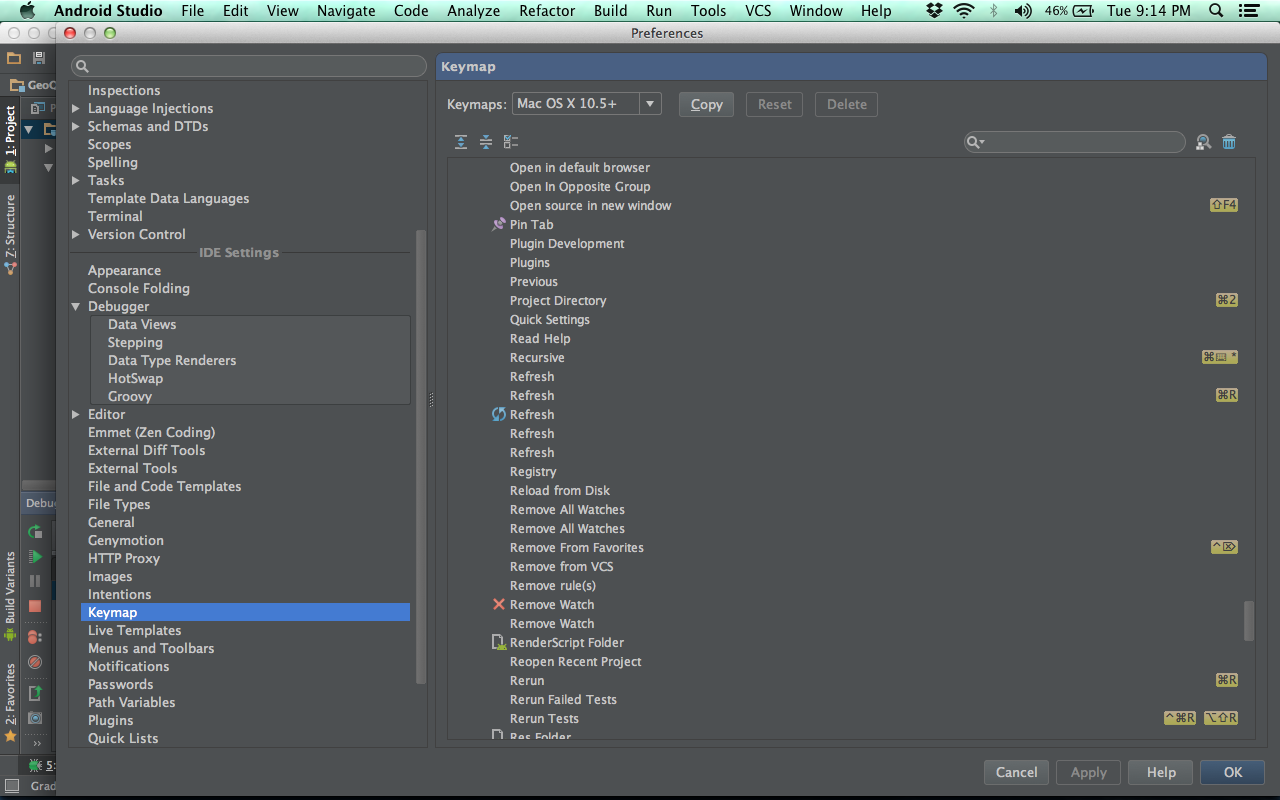
Confuse to recognizing various of symbol on android studio?
After googling around and doesn’t found the solution on internet, I finally found it on Android Studio itself.
The step is:
- Go to preferences ( press ⌘ + , )
- On left tab, find Keymap
- then click the folder that named “Other”.
Happy learning
2
Kudos
2
Kudos